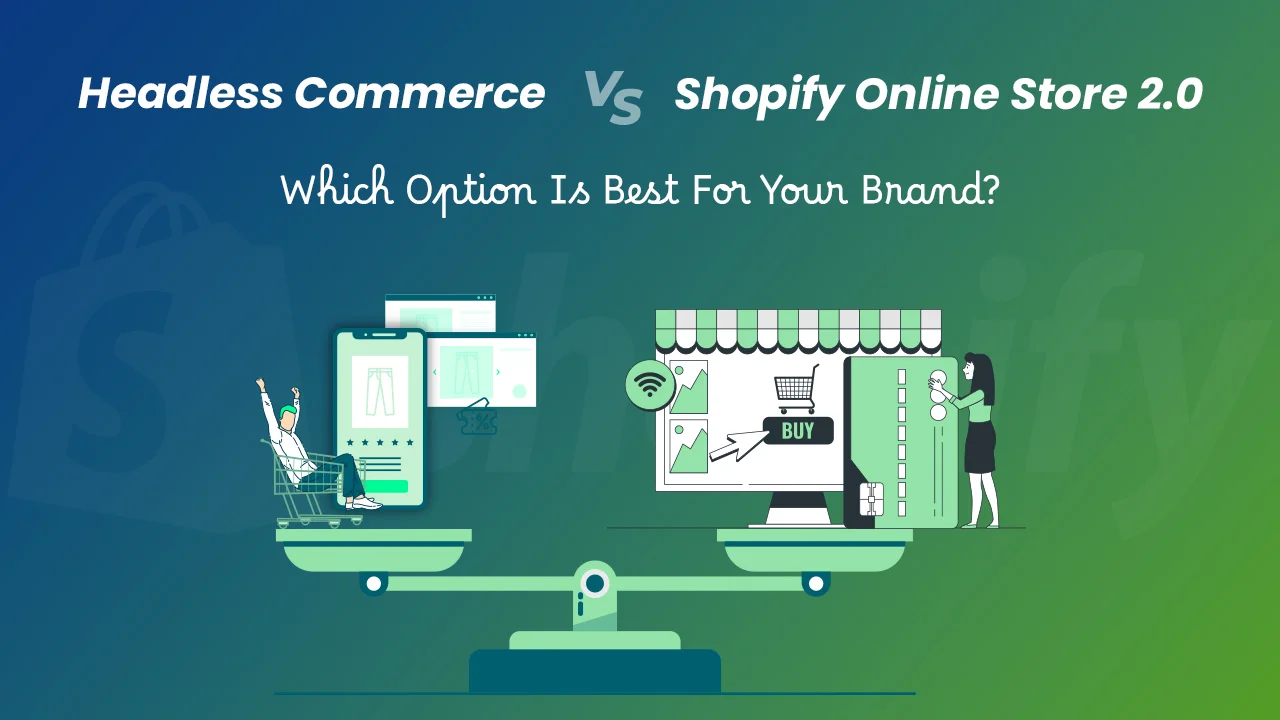
A comprehensive guide to decoupling your storefront from Shopify’s backend for better performance, scalability, and developer experience.
What “Headless” Actually Means (Storefront + API)
The term “headless commerce” refers to a modern architectural approach where the frontend (the “head”) is completely decoupled from the backend commerce engine. In the context of Shopify, this means that instead of using Shopify’s default themes and Liquid templates, you build a custom frontend using modern web frameworks and connect it to Shopify’s backend via APIs.
Shopify acts as the “body” — handling product inventory, pricing, cart logic, checkout, and order management — while your custom frontend (built with React, Vue, or similar) handles the user interface and customer experience. Communication between the two happens through Shopify’s Storefront API and Admin API.
This separation allows developers to deliver faster, more interactive user experiences without being constrained by Shopify’s traditional theme limitations. It also enables omnichannel experiences — the same backend can power not just a web store, but mobile apps, kiosks, smart devices, and more.
However, going headless is not just a technical shift — it’s a strategic decision. You trade off some of Shopify’s out-of-the-box simplicity for greater flexibility and control. For example, you no longer get automatic theme updates or drag-and-drop section editing in the Shopify admin. Instead, you gain the ability to implement custom animations, real-time search, personalized content, and seamless integrations with third-party systems.
Tech Stack Options (Hydrogen, Next.js, Nuxt)
When building a headless Shopify store, choosing the right tech stack is critical. The frontend framework determines performance, developer experience, and long-term maintainability. Below are the most popular options:
1. Shopify Hydrogen + Oxygen
Hydrogen is Shopify’s own React-based framework designed specifically for headless commerce. Built with React Server Components, it enables highly optimized server-side rendering and streaming. Paired with Oxygen — Shopify’s dedicated hosting platform — it offers a fully integrated, managed solution.
Hydrogen uses a component-driven architecture and includes built-in optimizations for Shopify’s Storefront API, such as automatic query generation and caching. It also supports international domains and multi-language storefronts out of the box.
Oxygen provides automatic scaling, CDN integration, and one-click deployments. It’s priced at $199/month (as of 2024), making it a premium option ideal for enterprise brands.
2. Next.js (with Vercel)
Next.js is one of the most popular React frameworks for headless commerce due to its hybrid rendering capabilities (SSR, SSG, ISR), built-in API routes, and excellent TypeScript support. When paired with Vercel (Next.js’s creator), deployment becomes seamless with instant cache invalidation and global edge network delivery.
Developers often use libraries like Shopify Buy SDK or GraphQL clients (Apollo or URQL) to fetch product data. Next.js also supports middleware for A/B testing, redirects, and authentication.
Vercel’s pricing starts free (hobby) and scales to Pro plans at $20/month (billed annually), with enterprise options available. It’s a cost-effective and scalable solution for startups and mid-market brands.
3. Nuxt.js (with Netlify or Cloudflare)
For Vue.js developers, Nuxt.js offers a similar experience to Next.js but within the Vue ecosystem. Nuxt 3 supports server-side rendering, static site generation, and Nitro engine for high performance. It integrates well with Shopify’s Storefront API using GraphQL queries.
Hosting options include Netlify, Cloudflare Pages, or self-hosting via Node.js servers. Netlify offers a free tier with generous build minutes and continuous deployment from Git.
Nuxt is ideal for teams already invested in Vue.js or looking for a lighter alternative to React-based stacks.
| Framework | Language | Hosting | Best For |
|---|---|---|---|
| Hydrogen | React | Oxygen ($199/mo) | Enterprise brands wanting full Shopify integration |
| Next.js | React | Vercel (from $0) | Scalable, SEO-friendly stores with rich interactivity |
| Nuxt.js | Vue.js | Netlify/Cloudflare (free tiers) | Vue-centric teams or budget-conscious projects |
Performance Gains – Lighthouse Scores Before/After
One of the biggest drivers for adopting headless commerce is performance. Traditional Shopify themes, especially those bloated with third-party apps, often suffer from slow load times, poor interactivity, and suboptimal Lighthouse scores.
Lighthouse is Google’s open-source tool for auditing web pages across performance, accessibility, SEO, and best practices. A score below 50 is considered poor, 50–90 is acceptable, and 90+ is excellent.
Typical Shopify Theme (Before Headless)
A standard Shopify theme with multiple apps (reviews, upsells, popups) often results in:
- Performance: 35–55
- First Contentful Paint (FCP): 2.8–4.5s
- Largest Contentful Paint (LCP): 4.0–6.0s
- Time to Interactive (TTI): 5.0–8.0s
- Total Blocking Time (TBT): 400–800ms
These metrics lead to higher bounce rates and lower conversion rates, especially on mobile devices.
Headless Shopify (After Migration)
After going headless with a modern framework like Next.js or Hydrogen, performance typically improves dramatically:
- Performance: 90–100
- First Contentful Paint (FCP): 0.8–1.5s
- Largest Contentful Paint (LCP): 1.2–2.0s
- Time to Interactive (TTI): 1.5–2.5s
- Total Blocking Time (TBT): 0–100ms
These improvements are achieved through:
- Code splitting: Only loading JavaScript needed for the current page.
- Static generation: Pre-rendering pages at build time for instant delivery.
- Image optimization: Using modern formats (WebP, AVIF) and lazy loading.
- Reduced third-party scripts: Better control over what gets loaded.
- Edge caching: Serving content from CDNs close to users.
Cost Breakdown (Hosting, Vercel, Oxygen)
While headless commerce offers technical advantages, it comes with additional costs compared to traditional Shopify stores. Understanding the financial implications is crucial for budget planning.
Traditional Shopify Store Costs
- Shopify Basic Plan: $29/month
- Theme: Free or $180 one-time
- Apps: $50–$200/month (reviews, SEO, email)
- Total: ~$100–$250/month
Headless Commerce Additional Costs
In a headless setup, you still pay for Shopify’s backend plan, but add frontend hosting and potentially development resources.
1. Hydrogen + Oxygen
- Shopify Plan (e.g., Shopify Advanced): $399/month
- Oxygen Hosting: $199/month
- Development (initial build): $15,000–$50,000
- Maintenance: $1,000–$3,000/month
- Total Monthly (ongoing): ~$600–$700
Oxygen includes CDN, DDoS protection, and staging environments. Ideal for large brands with high traffic.
2. Next.js + Vercel
- Shopify Plan (Shopify or Shopify Plus): $299–$2,000/month
- Vercel Pro: $20/month (or $200/year)
- Custom Domain & SSL: Included
- Development: $10,000–$30,000 (initial)
- Maintenance: $500–$2,000/month
- Total Monthly (ongoing): ~$320–$2,020
Vercel’s edge network ensures fast global delivery. The Pro plan includes preview deployments and enhanced analytics.
3. Nuxt.js + Netlify
- Shopify Plan: $29–$299/month
- Netlify Pro: $19/month
- Build minutes: Included (300/month on Pro)
- Development: $8,000–$25,000
- Maintenance: $400–$1,500/month
- Total Monthly (ongoing): ~$70–$470
Netlify is cost-effective for low-to-mid traffic stores. Great for startups testing headless concepts.
SEO Considerations (Dynamic Rendering, Sitemaps)
A common misconception is that headless commerce harms SEO. In reality, when implemented correctly, headless can enhance SEO through faster load times, cleaner code, and better structured data.
Server-Side Rendering (SSR) vs. Client-Side Rendering (CSR)
Search engines like Google can now execute JavaScript, but they still prefer server-rendered content for faster indexing. CSR-only apps (e.g., basic React apps) may delay content visibility, hurting SEO.
Headless frameworks like Next.js and Nuxt.js support SSR and Static Site Generation (SSG), ensuring that HTML is pre-rendered and immediately available to crawlers.
Dynamic Rendering for Crawlers
For stores using CSR, dynamic rendering is an option. This involves serving a static HTML version to search engine bots while delivering the full JavaScript app to users. Tools like Puppeteer or Rendertron can automate this.
However, modern frameworks make this unnecessary. With Next.js, you can use getStaticProps to generate pages at build time or getServerSideProps for real-time data — both SEO-friendly.
Sitemaps and Structured Data
In headless setups, you must manually generate sitemaps unless using a CMS integration. Sitemaps should include:
- All product pages
- Collection pages
- Blog posts
- Custom landing pages
Use next-sitemap (for Next.js) or sitemap.js to automate generation and deploy it to the root of your domain.
Structured Data (Schema.org)
Add JSON-LD structured data to product pages to enhance rich snippets in search results. Include:
- Product name, image, price, availability
- AggregateRating (if reviews exist)
- BreadcrumbList for navigation
Test your output using Google’s Rich Results Test tool.
Migration Checklist & Rollback Plan
Migrating to headless commerce is a significant undertaking. A structured approach minimizes downtime and risk.
Pre-Migration Checklist
- Define Goals: What do you want to achieve? (Speed, UX, scalability?)
- Choose Tech Stack: Hydrogen, Next.js, or Nuxt based on team expertise.
- Inventory Content: List all products, collections, blogs, and metadata.
- Map URLs: Plan 301 redirects from old URLs to new ones to preserve SEO.
- Set Up Staging: Use a development store and preview environment.
- API Access: Generate Storefront API access token in Shopify admin.
- Team Training: Ensure developers, marketers, and support staff understand the new workflow.
Development Phase
- Build core pages: Home, Product, Collection, Cart, Blog
- Implement search and filtering
- Add structured data and meta tags
- Integrate email capture and analytics (Google Tag Manager)
- Test on multiple devices and browsers
- Run Lighthouse audits and optimize
Launch Phase
- Final SEO audit and sitemap submission
- Set up 301 redirects via hosting platform or middleware
- Launch on a low-traffic day (e.g., Tuesday morning)
- Monitor server logs, errors, and performance
- Verify Google Analytics and conversion tracking
Rollback Plan
Despite best efforts, issues may arise. A rollback plan ensures business continuity.
- Monitor Key Metrics: Traffic, bounce rate, conversion rate, server errors.
- Set Thresholds: Define when to rollback (e.g., 20% drop in conversions, 500+ errors/hour).
- Prepare Rollback: Keep the old Shopify theme active and domain DNS ready to revert.
- Communicate: Inform stakeholders of the rollback decision.
- Execute: Switch DNS back to Shopify servers and disable the headless frontend.
- Investigate: Analyze logs and fix root cause before retrying.